
This Renoise AI review examines the platform as a practical tool for filmmakers, short-drama creators, and visual storytellers. The main question is not whether it can produce an impressive standalone clip—many AI tools can—but whether it creates a workable process for developing several connected shots. Renoise’s answer combines multiple generation models, a visual Canvas, image-to-video tools, and video-reference workflows in one environment.
What Is Renoise AI?
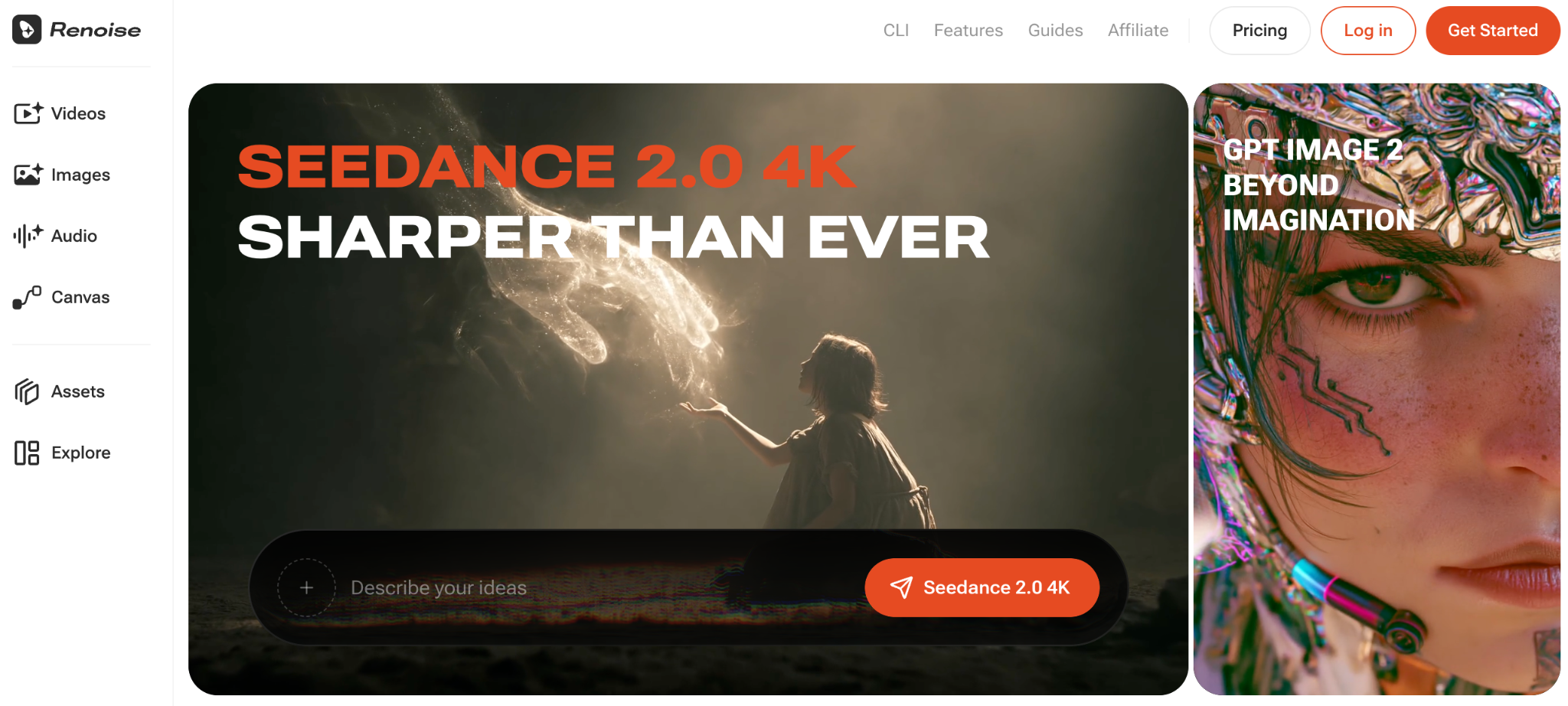
Renoise AI is an AI video platform available on the web and desktop. It also supports CLI-style agent workflows: creators can install its skill in Claude Code or Codex and generate videos from the terminal without opening a browser. Users can bring references into a project, compare shots, and organize results in one place.
It is important to set expectations correctly. Renoise is not a replacement for Premiere Pro, DaVinci Resolve, or another full post-production suite. It is better viewed as a concept-development and pre-visualization workspace that can help a team reach a rough sequence faster.
Does the Multi-Model Approach Make a Difference?
At the time of this review, Renoise’s AI video page lists several models within the same workspace, including Seedance 2.0, Kling 3.0 Omni, and HappyHorse 1.0. This matters because different shots have different requirements. A dialogue scene may benefit from one model, while fast action, stylized motion, or a longer cinematic shot may work better with another.
Access to Seedance 2.0 is particularly relevant for creators interested in text-to-video, image-to-video, multimodal references, and longer cinematic clips. Users can change models per shot rather than rebuilding the entire project elsewhere.
The advantage is flexibility. The drawback is a learning curve: switching models does not guarantee identical prompting behavior or visual consistency. Creators still need to understand which model fits each task.
How Useful Is the Canvas Workflow?
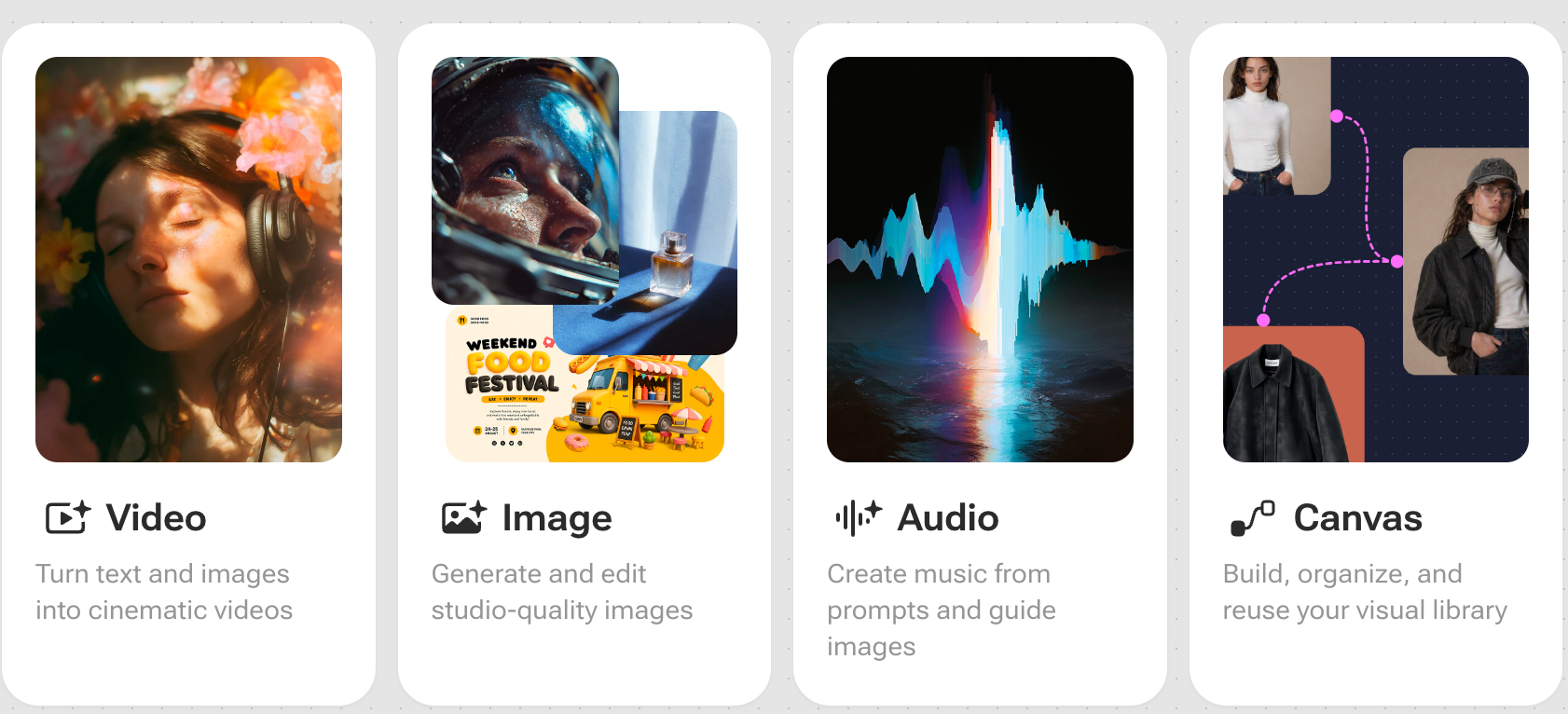
Canvas is Renoise’s clearest differentiator. It provides a visual area for references, prompts, generated assets, and shot organization. A short-drama creator might place a character image beside a location reference, generate several opening shots, and arrange the most convincing versions in sequence.
That structure reduces file-management friction and makes iteration easier to follow. It also gives collaborators a clearer view of how a scene is developing. However, Canvas should not be confused with a frame-accurate editing timeline. Detailed cutting, audio mixing, color grading, and compositing still belong in dedicated software.
Does Renoise Handle Image-to-Video Well?
Image-to-video is one of the platform’s most accessible workflows. A creator can upload a still image as a starting frame and prompt the selected model to add motion. This is useful for animating concept art, testing camera movement, or turning a character design into a short cinematic moment.
Results depend heavily on the source image. Clear subjects, believable depth, and a prompt that describes camera behavior usually provide a better foundation than a cluttered picture with conflicting motion cues. The first result may not be production-ready, so generating alternatives remains part of the process.
What About Video-to-Video Creation?
Renoise’s AI video generation workflow accepts video references alongside images and audio. In practice, this supports video-to-video experimentation in which existing footage can guide movement, pacing, composition, or visual direction for a newly generated shot.
This is useful when a creator already has blocking footage or a motion reference but wants to explore a different cinematic treatment. It is not a guaranteed one-click restyling system. Complex movement, faces, fine details, and continuity may change during generation, so outputs should be reviewed shot by shot.
What Are Renoise AI’s Main Strengths?
The platform is strongest when used for iterative visual development:
- Multiple models are available without moving every asset into a separate service.
- Canvas keeps references, prompts, and generated shots easier to track.
- Image, video, and audio references give creators several ways to guide a scene.
- Generated clips can be compared and organized into a broader visual sequence.
- The workflow suits rapid pre-visualization for short films, music videos, and serialized drama.
These advantages are most meaningful for creators who generate frequently. Someone making one isolated clip may not benefit as much from the organizational layer.
Where Does Renoise Fall Short?
AI-generated video remains unpredictable. Hands, faces, object permanence, text, and complicated physical interactions can still require several attempts. Model changes may also produce differences in color, character appearance, or camera behavior across connected shots.
Costs can vary according to the selected model, resolution, duration, and number of retries. Model availability and technical limits may change, so creators should confirm current settings before planning a client deadline. Renoise also cannot replace the precision of conventional editing and finishing tools.
Final Verdict
Renoise offers a thoughtful workflow for creators who want more than a basic prompt box. Its multi-model structure expands creative choice, while Canvas gives experiments a useful place to live. Image-to-video is approachable, and video references broaden the options for motion-led generation.
The platform is best for ideation, pre-visualization, and rough-sequence development—not automatic final production. For filmmakers and short-form storytellers willing to iterate, Renoise can make AI video creation more organized and significantly less fragmented.
FAQ
Is Renoise AI Suitable for Beginners?
Yes. Beginners can start with image-to-video and simple prompts, although learning how individual models respond will improve results.
Can Renoise Create a Complete Short Film?
It can generate and organize individual shots, but creators will normally need separate editing, audio, and finishing software to complete a polished film.
Does Renoise Support Several AI Video Models?
Yes. Its current documented workflow includes multiple models that can be selected for different shots within the same Canvas.
Is Video-to-Video Always Consistent?
No. Video references can guide a new generation, but motion, identity, details, and composition may still shift. Review and iteration remain necessary.