
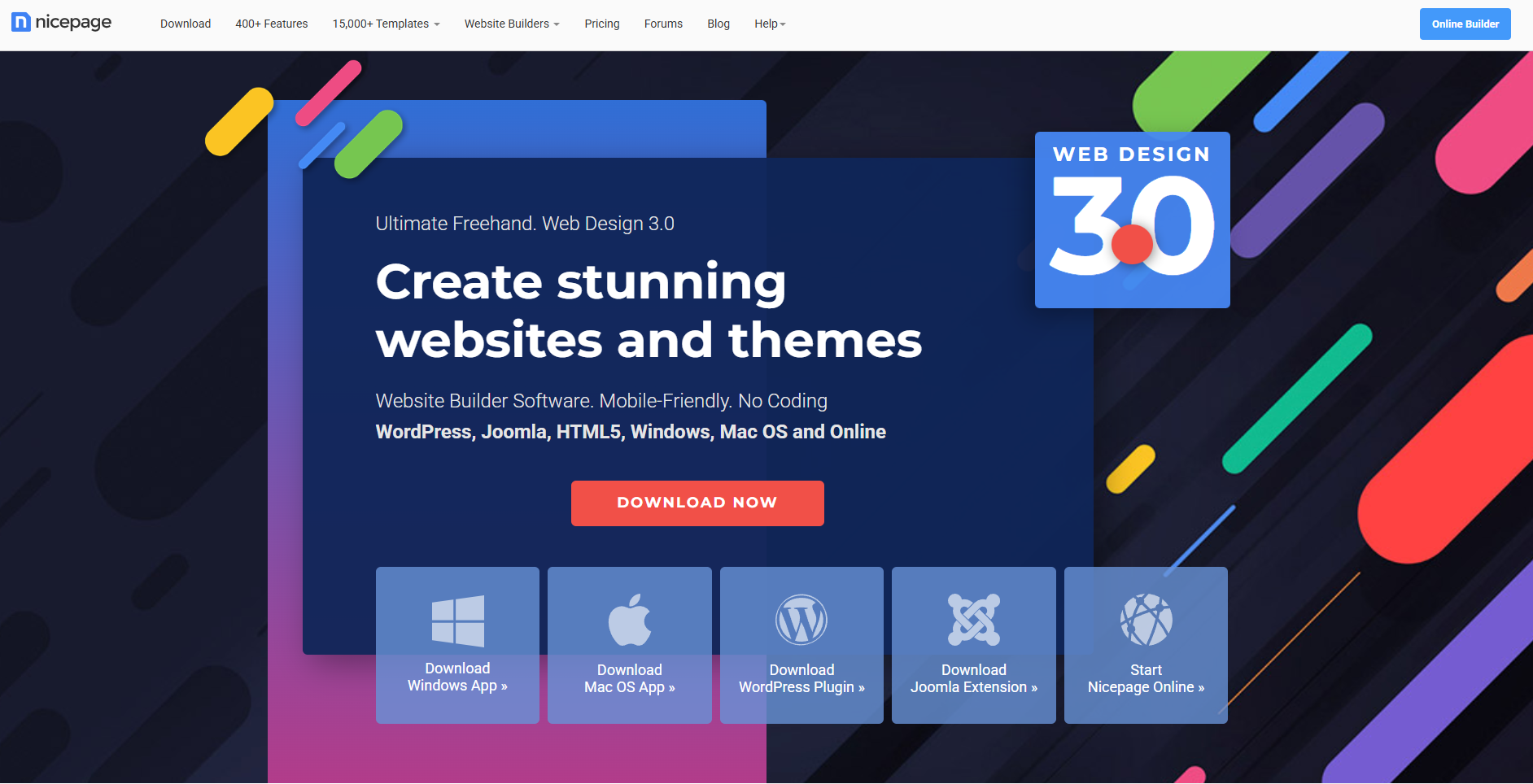
A hands-on review of the AI-powered website builder that’s quietly redefining “Web Design 3.0”
| RATING
4.5 / 5 |
READING TIME
6 min |
LAST UPDATED
April 2026 |
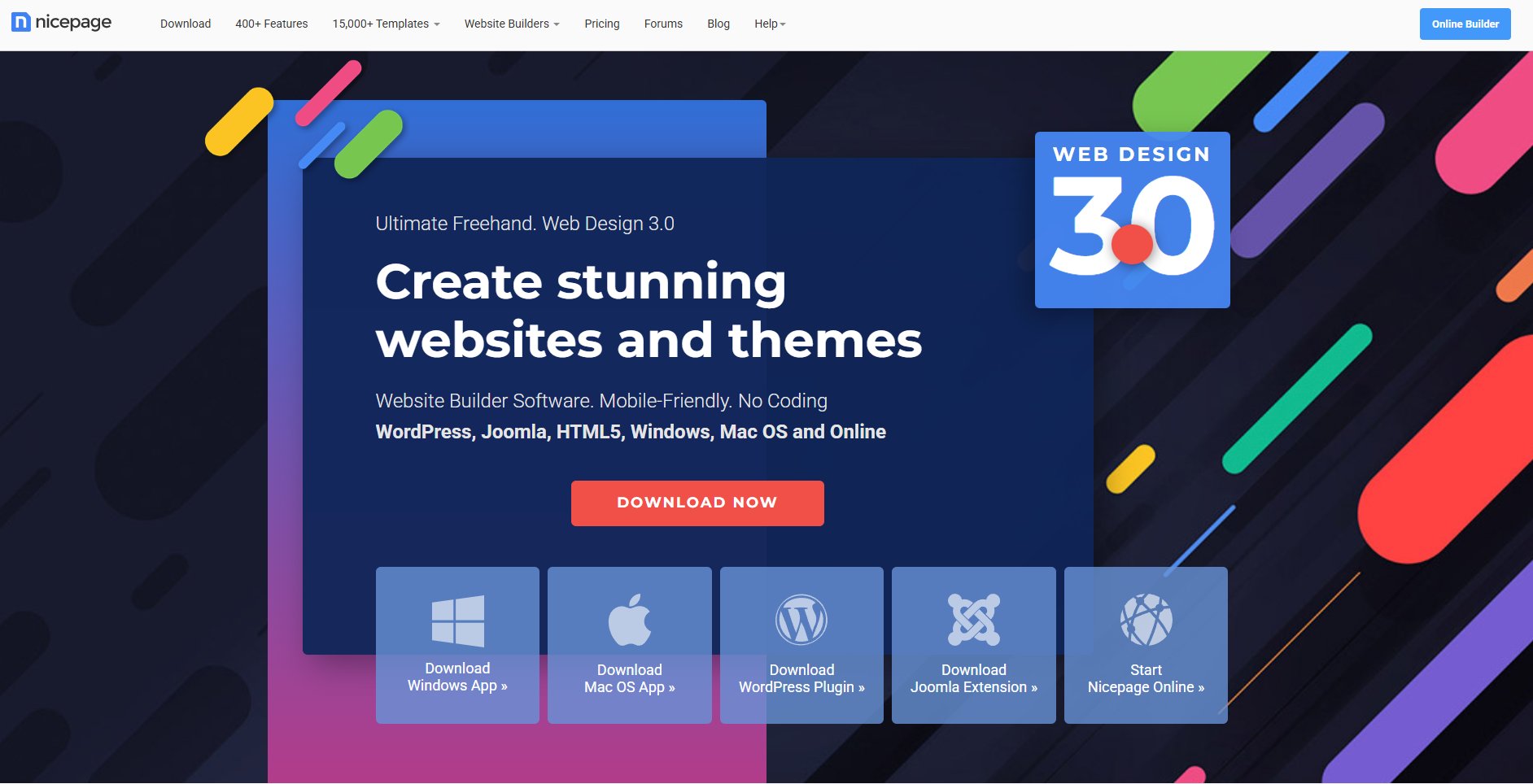
Looking for a website builder that doesn’t lock you into rigid templates or force-feed you a fully automated layout you can barely tweak? Nicepage might be exactly what you’ve been waiting for.
In this in-depth Nicepage review, we’ll explore how this hybrid AI-powered website builder combines the speed of automation with the freedom of a freehand design tool — making it one of the strongest choices for designers, freelancers, and small business owners in 2026.
| TL;DR
Nicepage is an AI website builder that gives you a starting layout in seconds, then steps out of the way so you can fully customize it. Best for designers and small businesses who want creative control without writing code. Free plan available. |
What Is Nicepage?
Nicepage is a flexible website builder that blends AI-powered website generation with advanced design control. Unlike most modern builders that hand you a finished site you can barely modify, Nicepage gives you a starting point and then steps out of the way — letting you fully customize every part of your website without writing a line of code.
It’s marketed as “Web Design 3.0,” and the core idea is simple: combine the speed of AI with the precision of a designer-friendly editor. Whether you build websites professionally or you’re launching your first project, Nicepage tries to bridge the gap between drag-and-drop simplicity and true creative freedom.
Nicepage Key Features at a Glance
| FEATURE | WHAT YOU GET |
|---|---|
| AI Website Generation | Build a layout from a simple text prompt |
| Freehand Editor | Place elements anywhere — no rigid grids |
| Template Library | 17,000+ professionally designed templates |
| Offline Desktop Apps | Native Windows and Mac editors |
| Multi-Platform Export | WordPress, Joomla, HTML5 |
| Responsive Design | Per-device control for desktop, tablet, mobile |
| Free Plan | Test the platform with no upfront cost |
AI Website Generation: A Fast Start, With Full Flexibility
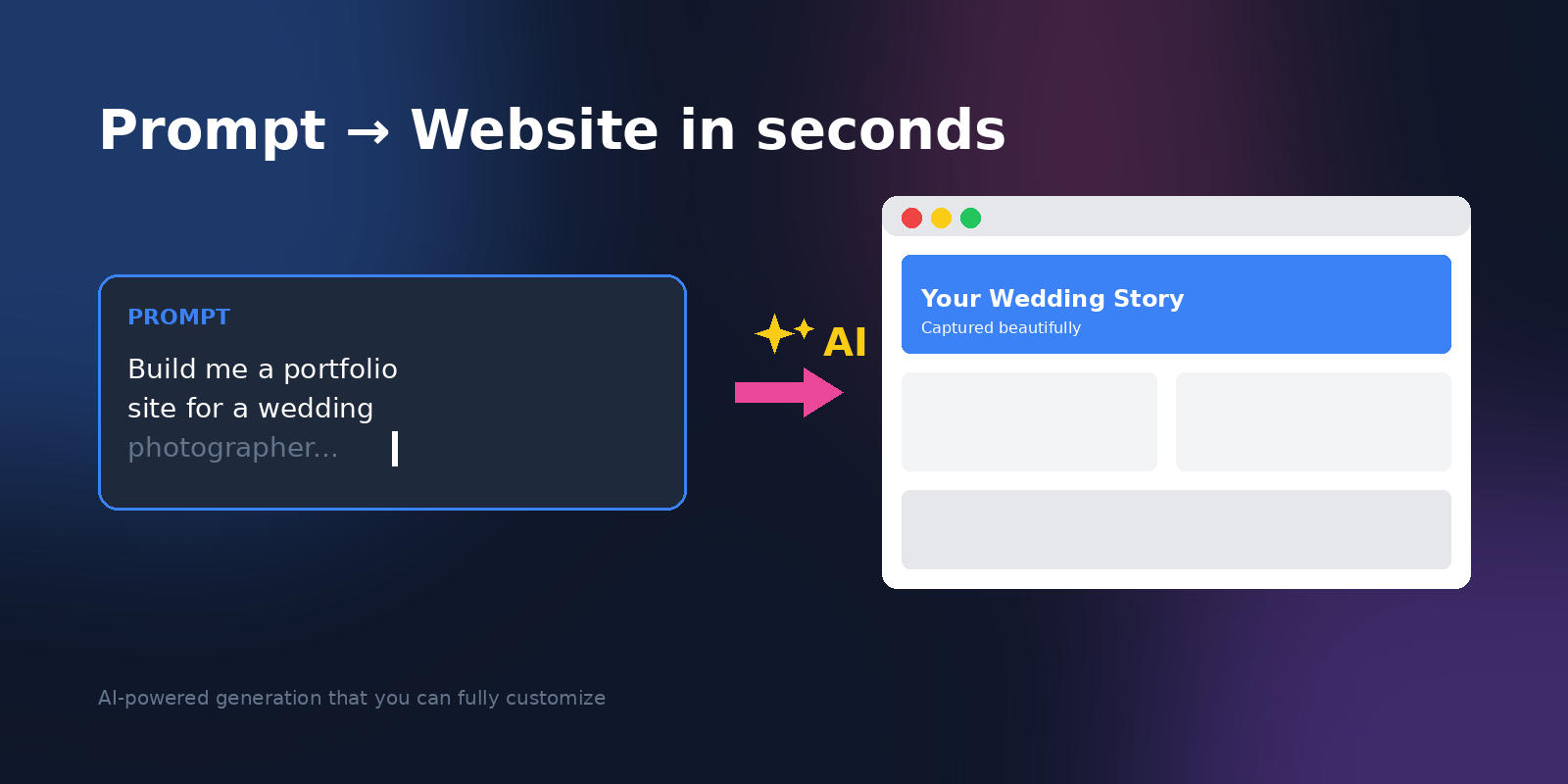
One of Nicepage’s standout features is its AI website builder. You enter a simple prompt describing what you want — say, a portfolio for a wedding photographer or a landing page for a SaaS product — and the AI quickly generates a layout complete with sections, images, and content blocks tailored to your needs.
The process is fast and beginner-friendly. But here’s where Nicepage differs from most AI website generators: instead of giving you a finished, locked-down product, it hands you a starting point you can fully customize.
That’s a meaningful distinction. Tools that auto-generate everything often leave you stuck with cookie-cutter results that look painfully similar to every other AI-built site online. Nicepage uses AI to break the blank-page problem, then lets your creativity take over from there.
The result? A site that doesn’t scream “AI-generated.”
Templates and Design Options: 17,000+ Starting Points
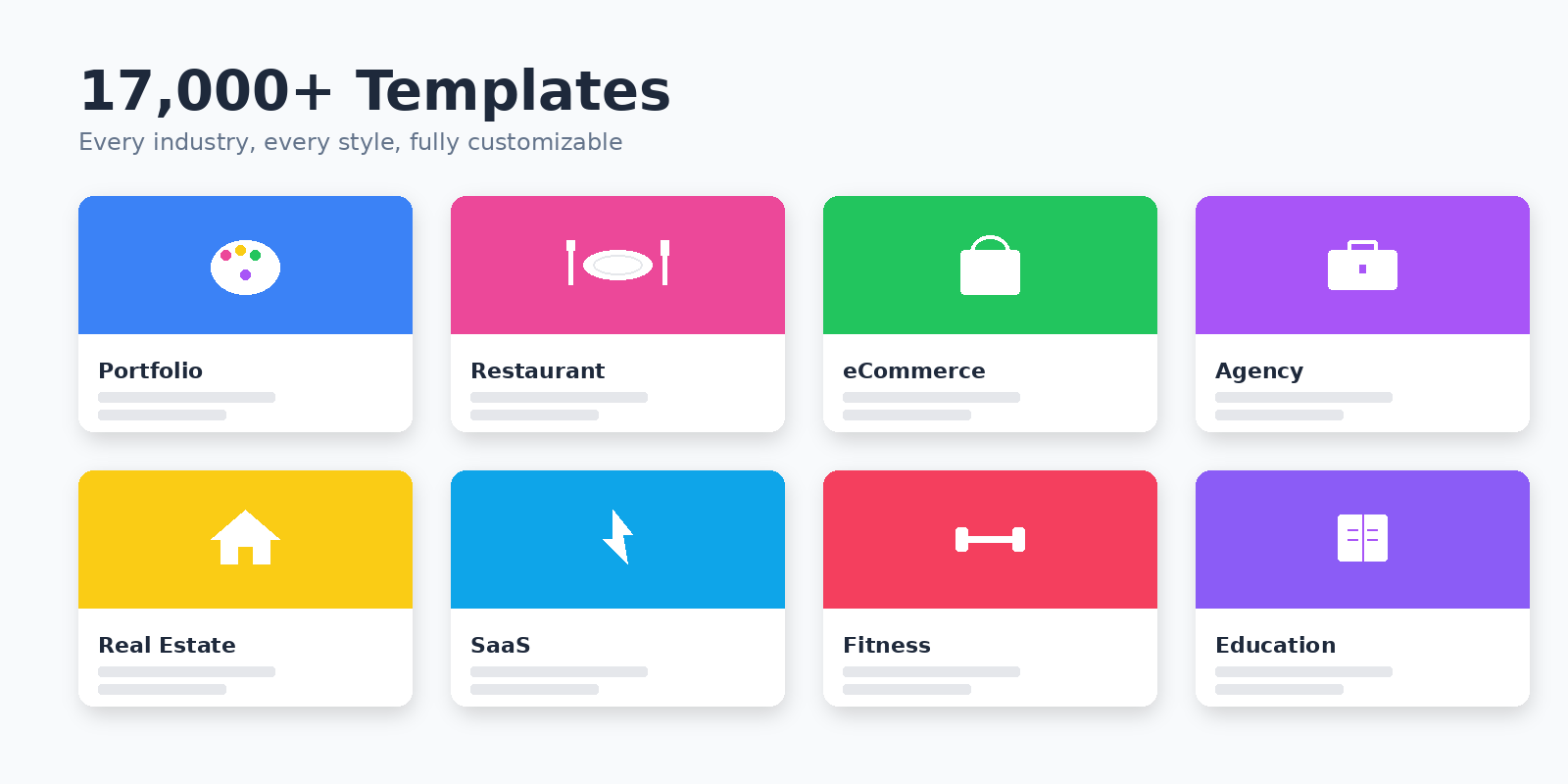
Nicepage ships with thousands of professionally designed templates and pre-built sections covering virtually every industry imaginable — restaurants, agencies, eCommerce, portfolios, real estate, healthcare, education, and more.
You can also generate multiple versions of any design and swap them in and out as your project evolves. Picked the wrong direction? Swap layouts in seconds without rebuilding from scratch.
What Really Sets Nicepage Apart: The Freehand Layout System
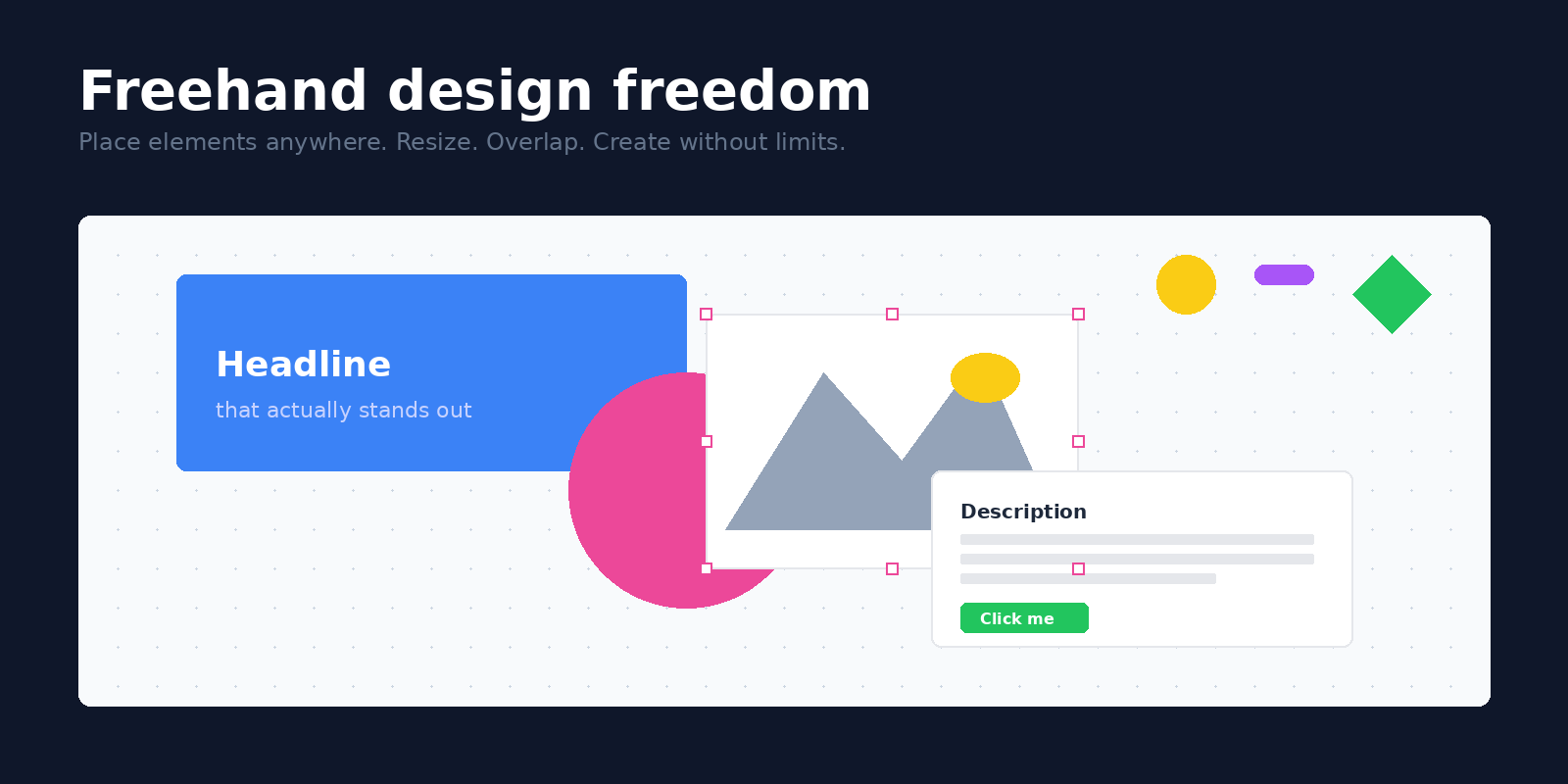
Most website builders confine you to a strict grid of rows and columns. Nicepage doesn’t. You can:
- Place elements anywhere on the canvas
- Resize and overlap sections freely
- Build unique, magazine-style layouts without restrictions
- Mix images, text, and shapes the way a print designer would
For designers used to tools like Figma, Sketch, or Adobe XD, this freedom feels natural — and it’s especially valuable when you’re trying to produce a website that doesn’t look like every other template-built site online.
Offline Editing and Cross-Platform Flexibility
A genuine advantage of Nicepage that often gets overlooked: it has a true offline desktop editor for both Windows and Mac. You can design your site offline — on a flight, in a coffee shop with patchy Wi-Fi, or in any low-connectivity environment — and publish whenever you’re ready.
This is a real differentiator. Most modern builders are browser-only, meaning your workflow stops the moment your internet does.
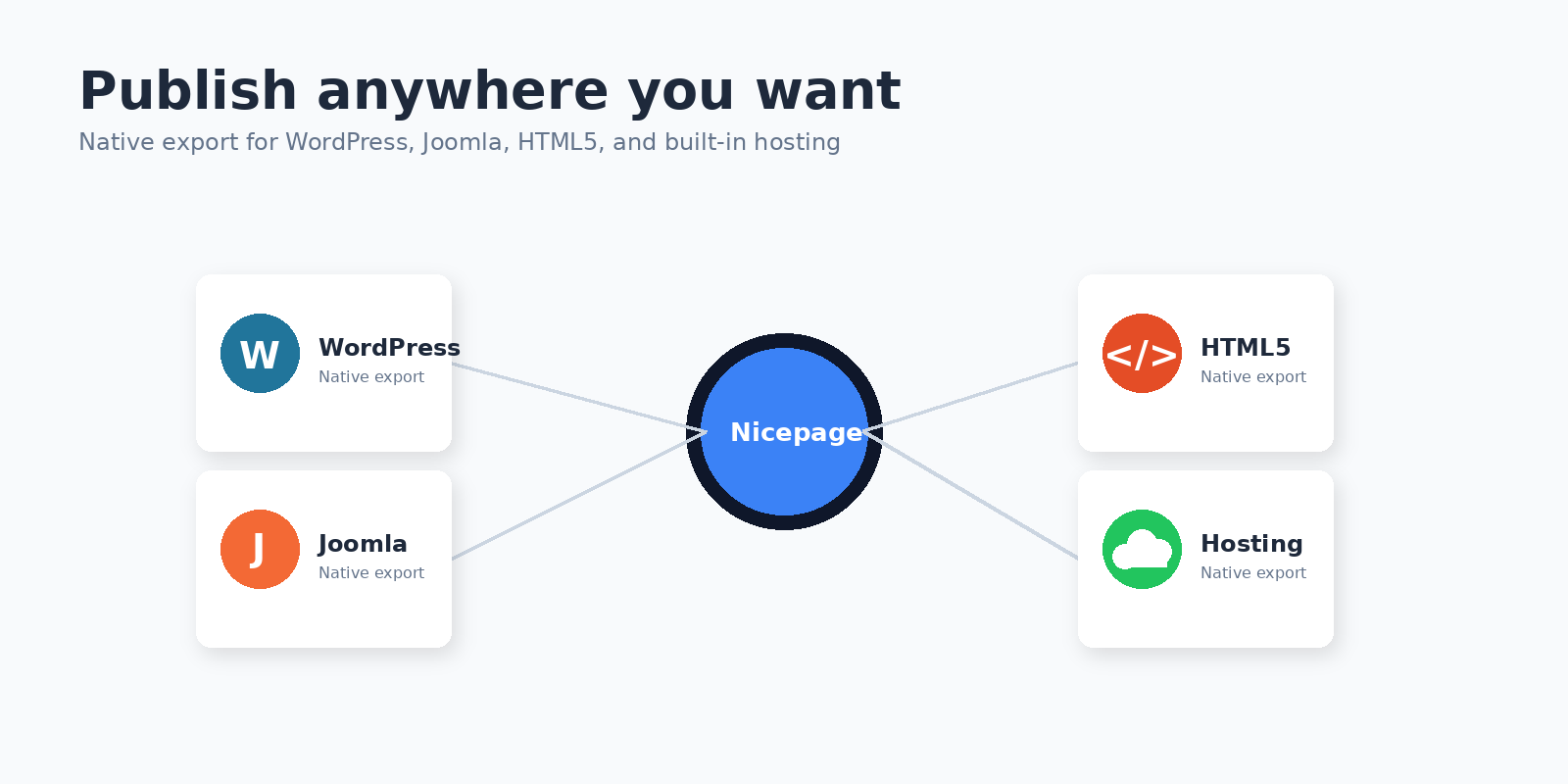
Nicepage also plays nicely with multiple platforms, including:
- WordPress — via official plugin
- Joomla — via dedicated extension
- HTML5 export — for static hosting anywhere
This cross-platform flexibility makes Nicepage easy to fit into existing workflows, whether you manage WordPress sites for clients, prefer Joomla, or want to deploy a clean static HTML site to your own host.
Responsive Design That Actually Looks Good Everywhere
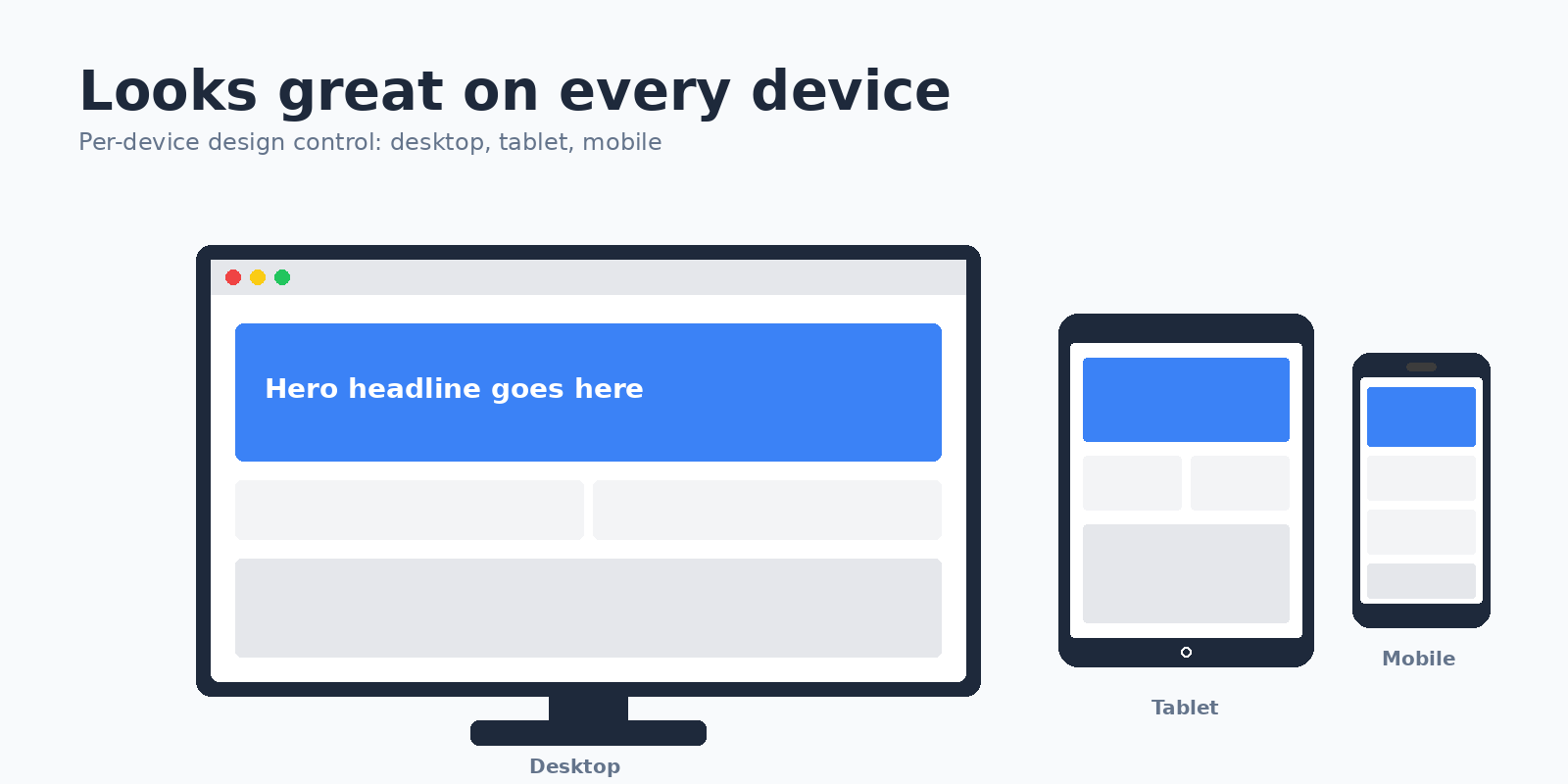
Every website built with Nicepage is responsive by default. But Nicepage goes further than most builders — you’re not just hoping mobile users get a usable experience. You can fine-tune layouts independently for desktop, tablet, and mobile.
This per-device control means your site looks polished on any screen size — which is critical for both SEO and user experience in 2026, where mobile-first indexing has been the Google standard for years.
| SEO Tip
Per-device layout control isn’t just about looks. It directly impacts your Core Web Vitals scores, which Google uses as a ranking factor. |
Publishing and Hosting: More Options Than Most Builders
Nicepage gives you several publishing paths, which is genuinely rare among website builders:
- Built-in hosting — publish directly through Nicepage with one click
- Start fresh with AI or pick from 17,000+ ready-made templates
- Export your website files as clean, standards-compliant HTML5
- Connect to a CMS like WordPress or Joomla for full integration
There’s a free version that’s surprisingly capable for testing the platform end-to-end. Premium plans unlock more advanced features, additional templates, priority support, and removal of Nicepage branding from your live site.
Pros and Cons of Nicepage
| ✓ THE PROS
▸ Genuine design freedom — freehand editor rivals professional tools ▸ Hybrid AI + manual control — fast start, full flexibility ▸ Offline desktop apps — work anywhere, no Wi-Fi required ▸ Multi-platform export — WordPress, Joomla, HTML5 ▸ Massive template library — 17,000+ options ▸ Per-device responsive controls ▸ Free plan available |
! THE CONS
▸ Steeper learning curve than fully automated builders ▸ Best features locked behind paid plans ▸ Heavier resource use on older machines ▸ Custom code editing is limited |
Who Is Nicepage Best For?
Nicepage is an excellent fit for:
- Freelance designers who want creative freedom without coding
- Small business owners who need a polished site that looks unique
- WordPress and Joomla users looking for a more flexible visual builder
- Agencies producing multiple client sites with custom layouts
- Photographers, artists, and creatives who need visual-first websites
It’s less ideal if you want a one-click, zero-effort website with no decisions to make. If that’s your goal, fully automated builders may suit you better — but you’ll trade away most of the creative control Nicepage offers.
Final Verdict: Is Nicepage Worth It in 2026?
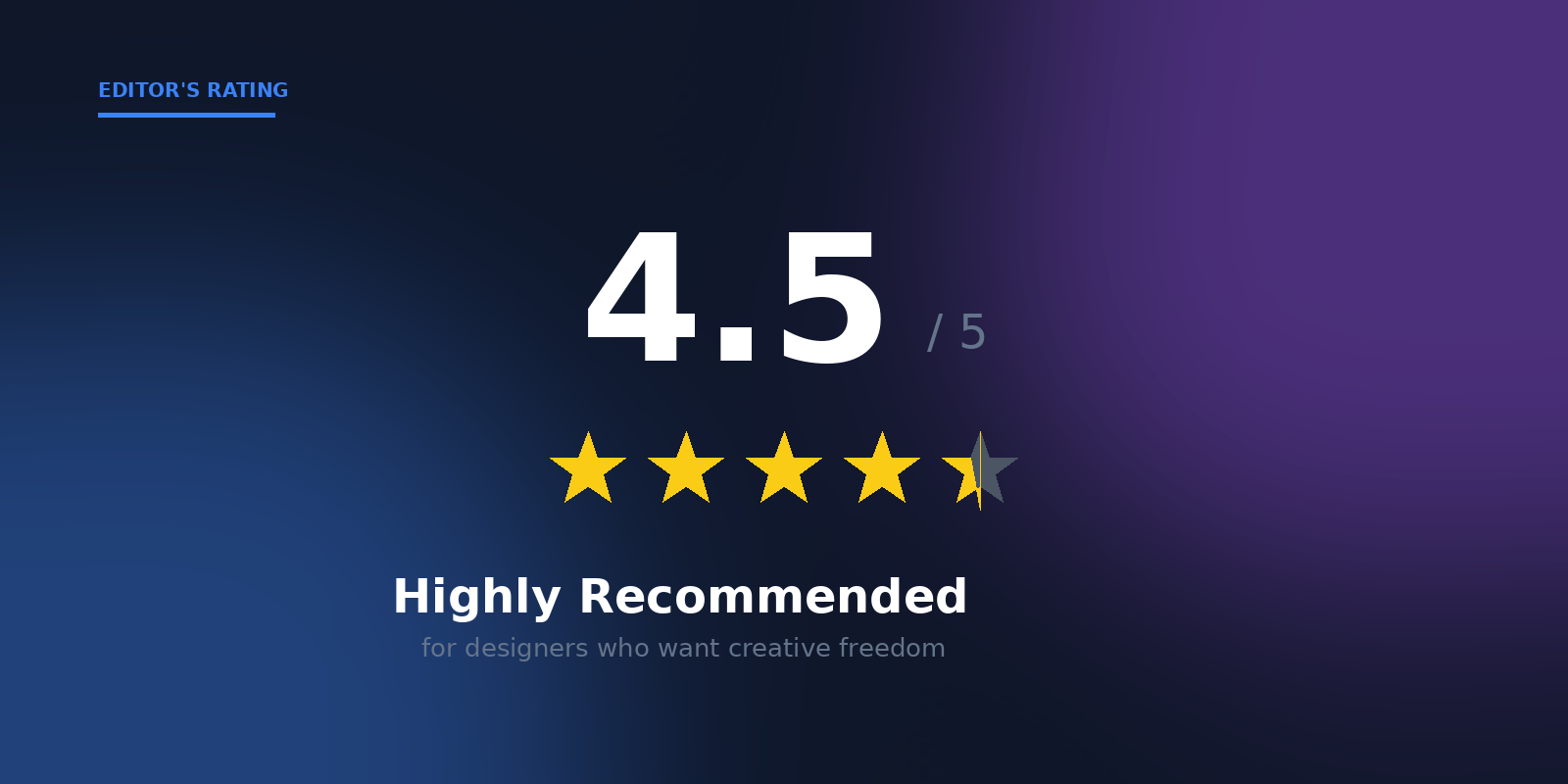
Nicepage occupies a rare sweet spot in the website builder market. It’s not the simplest tool out there, and it’s not the most powerful pro-level platform either — but it strikes a balance between AI-powered convenience and designer-grade flexibility that few competitors can match. The freehand editor alone makes it worth a serious look for anyone who’s ever felt boxed in by traditional grid-based builders.
With a free plan to test the waters, multi-platform export options, true offline editing, and a massive template library, Nicepage delivers genuine value for designers, freelancers, and small businesses who want their website to actually look like theirs — not a slightly recolored copy of someone else’s template.
If you’ve been searching for a website builder that gives you both speed and creative control, Nicepage is well worth trying in 2026.
| Ready to try Nicepage?
Download the free version and see what’s possible. You can build a complete website in an afternoon — and actually be proud of how it looks. |
Frequently Asked Questions About Nicepage
Is Nicepage free to use?
Yes. Nicepage offers a free plan that’s genuinely usable for testing the platform. Paid plans unlock additional features, more templates, and remove Nicepage branding from your published sites.
Does Nicepage work with WordPress?
Yes. Nicepage offers an official WordPress plugin that lets you design pages in Nicepage and publish them directly to your WordPress site.
Can I use Nicepage offline?
Yes. Nicepage offers desktop apps for Windows and Mac that let you design websites entirely offline and publish whenever you’re online again.
Are Nicepage websites mobile-friendly?
All Nicepage websites are responsive by default, with separate layout controls for desktop, tablet, and mobile views — far more granular than most builders offer.
Does Nicepage use AI?
Yes. Nicepage includes an AI website generator that creates a starting layout based on a simple text prompt, which you can then fully customize using the freehand editor.
What platforms does Nicepage export to?
Nicepage exports to WordPress, Joomla, and standalone HTML5 files. You can also use Nicepage’s built-in hosting to publish directly.
Is Nicepage good for SEO?
Yes. Nicepage produces clean, standards-compliant code with full control over meta tags, headings, alt text, and responsive design — all of which contribute to strong SEO performance.
If you found this Nicepage review helpful, share it with someone who’s looking for a better website builder.