

Why Your Browser Matters More Than You Think in a Gaming Setup: A Look at Wave Browser
Gaming discussions often focus on graphics cards, monitors, mechanical keyboards, and internet speeds. Yet one piece of software quietly influences nearly every gaming session: the web browser.
For many players, gaming involves more than launching a title and jumping into a match.
Researching strategies, watching videos, participating in communities, and staying current with updates all happen through the browser, making it a central part of the overall experience.
As gaming setups become increasingly multitasking-focused, browser design choices can have a meaningful impact on the overall experience.
One browser that has attempted to address this trend is Wave Browser, which combines productivity features with an environmental initiative centered on ocean cleanup.
What is Wave Browser?
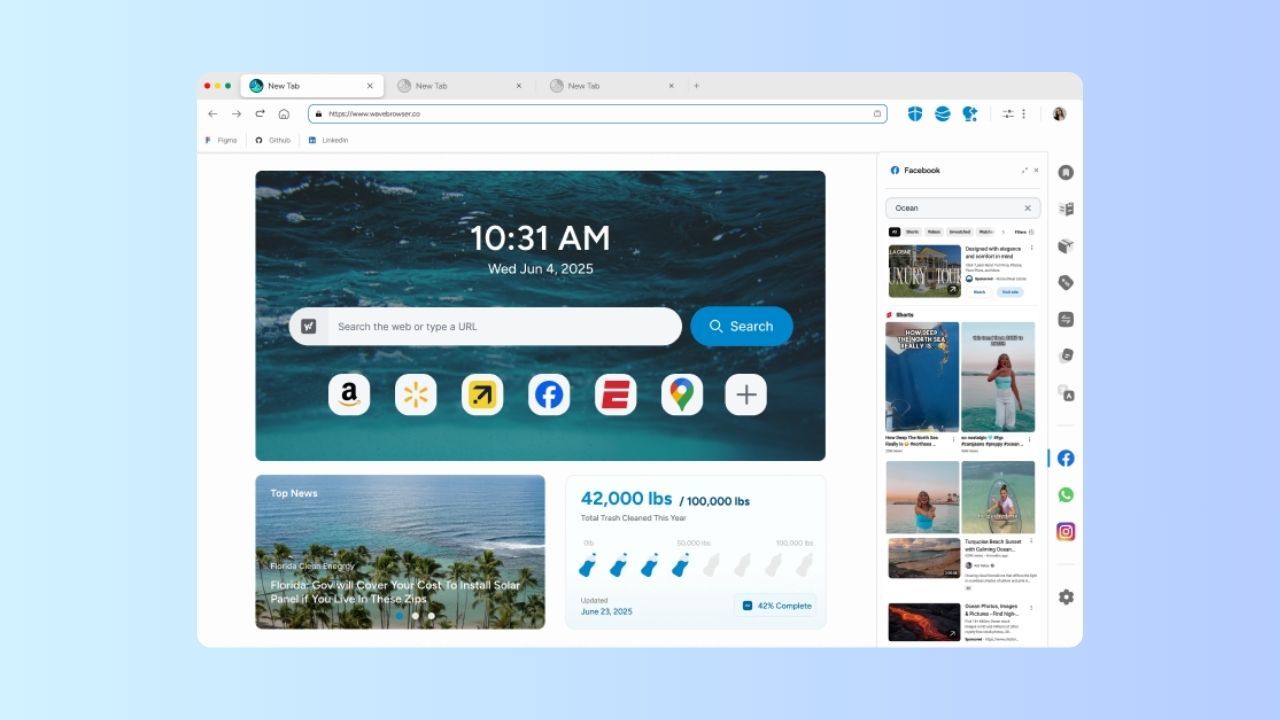 Wave Browser is a web browser that builds ocean cleanup into everyday browsing through its partnership with 4ocean. The browser is available on Windows, Mac, Android, and iOS.
It focuses on helping users stay organized online through features like ad blocking on supported platforms, split-screen browsing, sidebar tools, and integrated productivity features.
Wave Browser’s approach differs from traditional browsers by connecting everyday browsing with verified environmental impact focused on ocean cleanup.
Why Browsers Matter in Gaming Setups
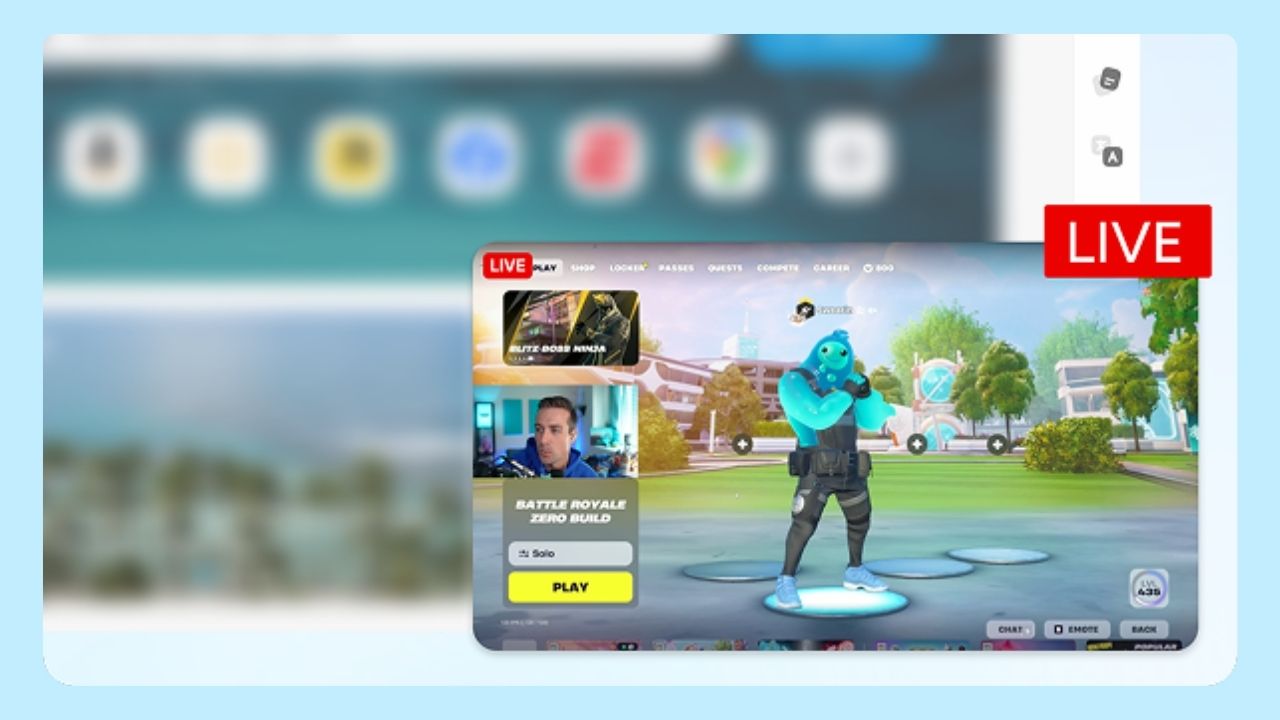 A typical gaming session extends well beyond the game itself.
Many players routinely:
- Watch Twitch streams while playing
- Keep strategy guides open on a second monitor
- Monitor Discord conversations
- Track esports tournaments
- Compare item builds and statistics
- Watch YouTube tutorials
- Follow patch notes and developer updates
Research from Statista shows that gaming-related video content continues to be among the most consumed categories on platforms such as YouTube and Twitch, highlighting how intertwined browsers have become with gaming activities.
That’s why features like split-screen browsing and a sidebar with quick access to messaging apps and video platforms can make a noticeable difference in the gaming experience.
The Role of Ad Blocking During Gaming Sessions
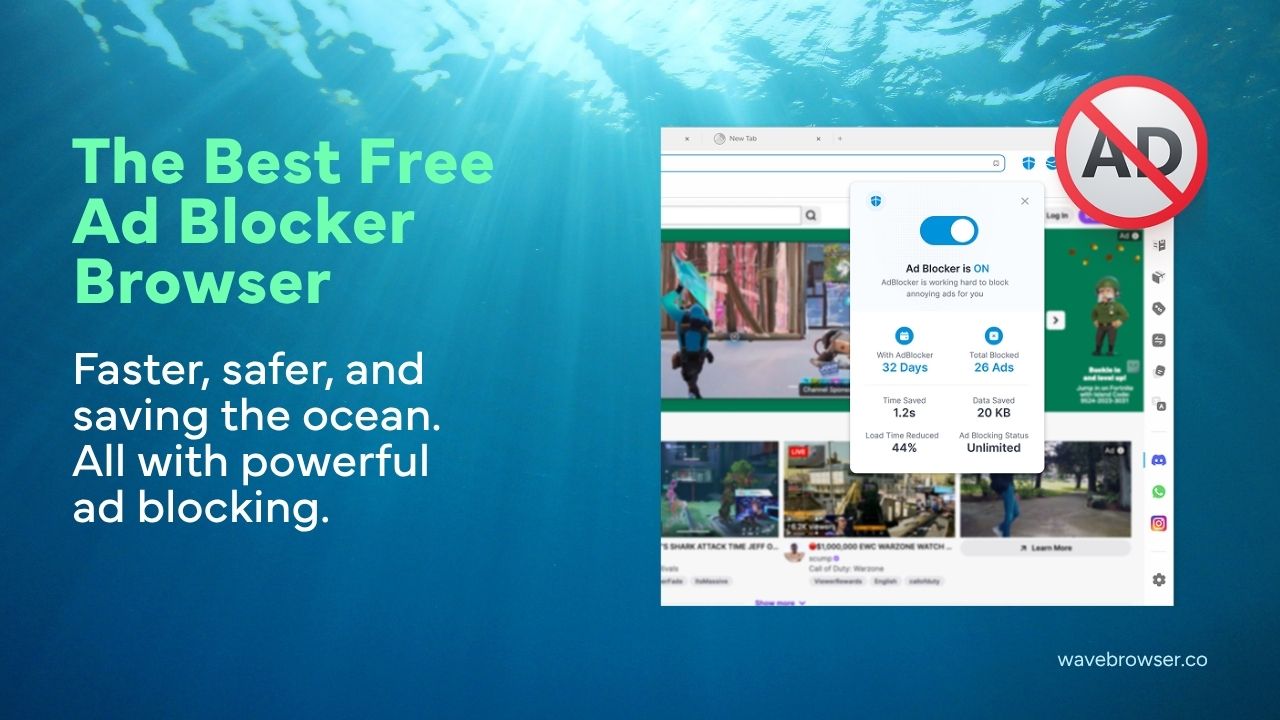 One feature that many gamers value is ad blocking.
Gaming websites, wikis, forums, and news sites can sometimes contain multiple display advertisements, autoplay videos, and pop-ups. These elements may create distractions during gameplay or while researching information between matches.
Wave Browser includes a built-in ad blocker for Mac, Android, and Windows users designed to reduce on-page clutter and create a cleaner browsing experience.
For gamers who frequently reference guides, esports statistics, or community forums while playing, fewer distractions can make information easier to access quickly.
Rather than adding multiple browser extensions, some users prefer browsers that include these functions directly within the browsing experience.
Split-Screen Browsing and Multitasking
Gaming often involves juggling multiple windows simultaneously.
For example:
- A player may watch a raid guide while learning a new dungeon.
- A competitive player may compare statistics while reviewing gameplay footage.
- A streamer may monitor chat alongside content dashboards.
Wave Browser includes a split-screen feature that allows two webpages to be viewed side-by-side within a single browser window.
This reflects a broader industry trend toward integrated multitasking tools. Similar functionality has appeared in productivity-focused browsers as users increasingly expect software to support parallel workflows.
For gaming setups with limited screen space, keeping multiple resources accessible within one browser window may reduce the need to constantly switch tabs.
Why Sidebars Have Become Popular Among Gamers
Another trend in browser design is persistent sidebar access. Many gamers maintain active communication across platforms such as Discord, Reddit, YouTube, Twitch, and social media while playing.
Wave Browser incorporates a customizable sidebar that provides quick access to frequently used web services.
This design reflects how gaming communities increasingly operate across multiple platforms simultaneously. Instead of repeatedly opening new tabs, sidebars provide a centralized way to access commonly used services.
For players managing communities, coordinating teams, or following live events, this can help streamline workflow during gaming sessions.
Environmental Impact and the Rise of Purpose-Driven Software
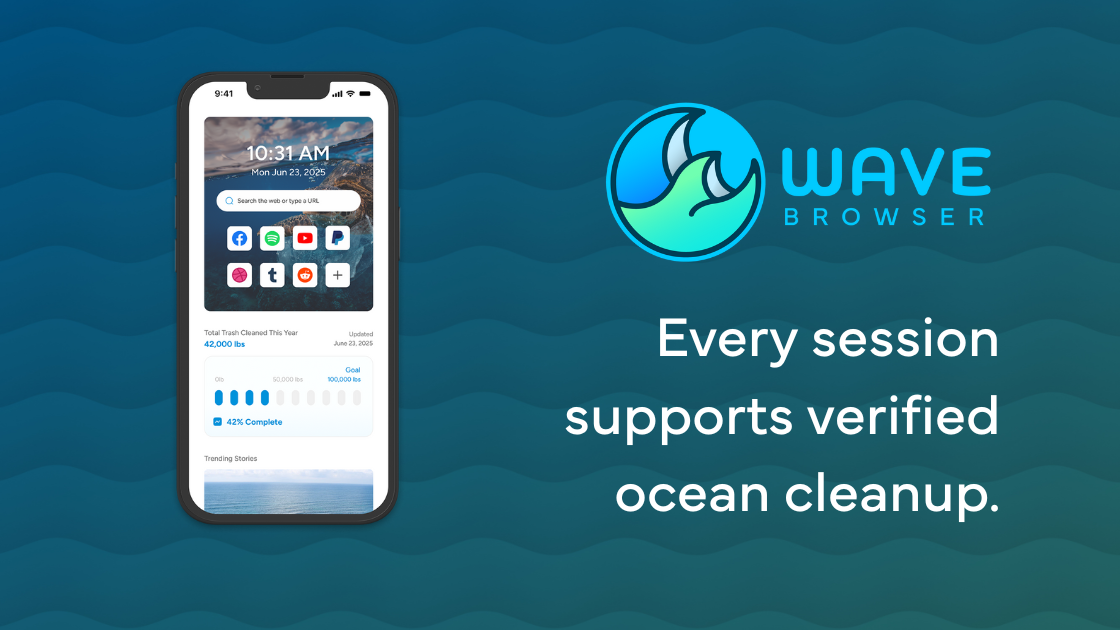
Beyond productivity features, Wave Browser positions itself within a growing category of software products that connect digital activity with environmental initiatives.
The browser also includes practical tools designed to support everyday efficiency, such as Memory Saver and Energy Saver modes. These features help optimize resource usage during browsing sessions, reflecting a broader trend toward software that balances functionality with performance awareness.
Through its partnership with 4ocean, Wave Browser also helps fund verified cleanup efforts focused on removing plastic and trash from our ocean, rivers, and coastlines. It has committed funding toward the removal of hundreds of thousands of pounds of plastic and trash through a multi-year partnership model.
The browser also includes a live impact tracker in the browser’s homepage, allowing users to monitor community cleanup progress.
This approach reflects a broader trend in technology where users increasingly evaluate software based not only on functionality but also on transparency and social impact.
Trust, Safety, and Software Standards
Trust remains an important consideration whenever users evaluate browser software.
Wave Browser is certified by AppEsteem, an organization that evaluates applications against standards related to transparency, consumer protection, and responsible software practices.
AppEsteem’s certification program is designed to establish standards that help software providers demonstrate compliance with accepted installation and user experience guidelines.
How Wave Browser Fits into Current Browser Trends
Wave Browser appears to combine elements from multiple trends by focusing on productivity features while also connecting browsing activity to a verified environmental initiative.
This positioning reflects a growing segment of users who want practical functionality while also supporting environmental causes they care about.
Whether viewed from a productivity perspective or a sustainability perspective, Wave Browser illustrates a broader shift: gamers today often expect the tools around their games to contribute meaningfully to the overall experience.