
Online video converters are convenient for quick tasks, but they often come with frustrating limitations like slow upload speeds, file size restrictions, intrusive ads, and potential privacy risks. That’s why more users are turning to desktop-based solutions—and among all available options, Wondershare UniConverter stands out as the best alternative to online video converters. Instead of offering only simple format conversion, Wondershare UniConverter combines video conversion, compression, editing, downloading, and AI-powered enhancement into a single multimedia platform.
Why Online Video Converters Are No Longer Enough
Most online converters work well only for small and simple files. Once users need to process HD or 4K videos, the limitations become obvious.
Common issues include:
- Slow upload and download times
- File size limits
- Watermarks or ads
- Poor video quality after conversion
- Security concerns from uploading personal videos online
These issues can significantly reduce productivity for creators, educators, businesses, and everyday users who frequently work with video content.
This is exactly where Wondershare UniConverter becomes a better solution. By processing files locally on your device, Wondershare UniConverter eliminates upload delays while delivering faster speeds, stronger privacy protection, and more stable output quality.
Why Wondershare UniConverter Is the Best Alternative
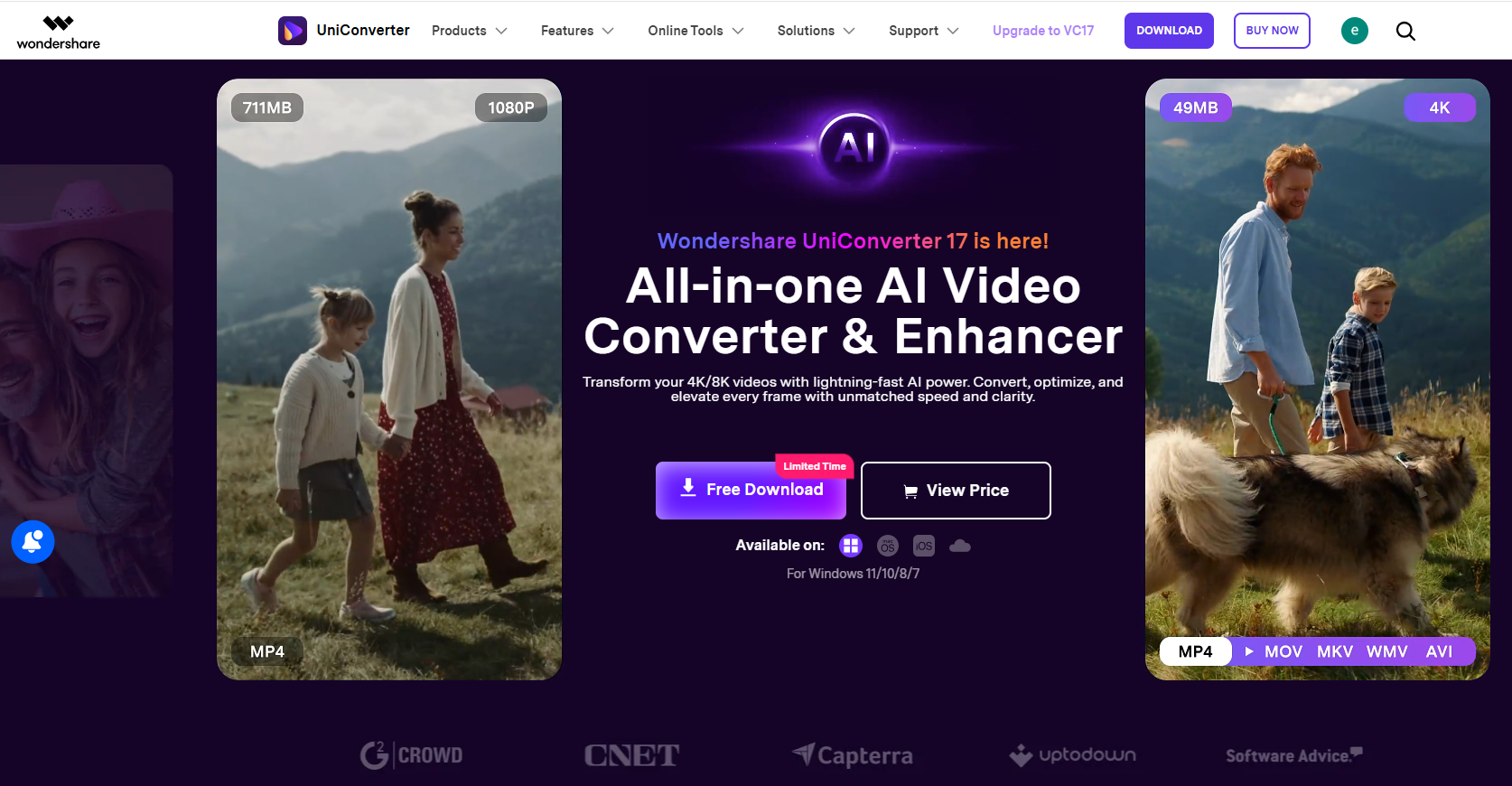
Wondershare UniConverter is an all-in-one multimedia solution that simplifies video downloading, conversion, compression, and editing. Equipped with powerful AI features, it enhances video quality and supports 4K/8K resolution formats without quality loss. Its batch-processing capability lets creators, educators, and businesses save time while maintaining professional output. With one-click presets, format compatibility, and editing tools like trimming, subtitling, and screen recording, Wondershare UniConverter delivers both speed and quality for seamless content creation and sharing.
Support for 1,000+ Formats
Wondershare UniConverter supports nearly every major video and audio format, including MP4, HEVC, AVI, MOV, MKV, WMV, FLV, and more.
This wide compatibility allows users to easily convert videos for YouTube, TikTok, Instagram, smartphones, tablets, gaming consoles, and professional editing software without additional plugins or tools.
Convert to any device
Wondershare UniConverter supports nearly all major device formats, making it easy to convert videos for smartphones, tablets, gaming consoles, and more. Enjoy seamless playback on any platform or device.
GPU acceleration with 130X speed
Wondershare UniConverter leverages the power of Windows and Mac GPUs, including Intel, NVIDIA, AMD, for up to 130X speed, delivering lighting-fast conversions and a seamless workflow.
HD/4K/8K video conversion
The new UniConverter V17 enables lossless conversion of 4K, 8K, and HDR videos, enhancing conversion speed while preserving video resolution. Enjoy a theater-like experience on any device, anytime, anywhere.
More Than Just a Video Converter
Unlike most online video converters that only support simple format conversion, Wondershare UniConverter offers a complete multimedia toolkit, including video compression, editing, subtitle tools, screen recording, AI-powered enhancement, DVD burning, and batch conversion.
Best for: Users who primarily download online videos and want an all-in-one, safe, and incredibly user-friendly media toolkit.
Safety: Excellent. Wondershare is an established software company, and Wondershare UniConverter is distributed without any adware or malware.
Other Recommended Video Conversion Tools to Meet Your Needs
HandBrake
HandBrake is a free and open-source video converter widely used for video compression and transcoding. It supports multiple formats and provides advanced encoding settings, making it a popular choice among users who want more control over video output quality and file size.
VLC Media Player
VLC Media Player is best known as a multimedia player, but it also includes basic video conversion capabilities. With support for various media formats and cross-platform compatibility, VLC offers a simple solution for users who occasionally need lightweight video conversion features.
FAQ
- Is Wondershare UniConverter better than online video converters?
Yes. Wondershare UniConverter provides faster conversion speeds, no upload limitations, stronger privacy protection, and higher-quality output compared to most online video converters.
- Can Wondershare UniConverter convert videos without losing quality?
Wondershare UniConverter supports high-quality and lossless video conversion for HD, 4K, and even 8K videos. It also includes AI-powered enhancement tools that can improve clarity and reduce quality loss during processing.
- Is Wondershare UniConverter suitable for beginners?
Absolutely. Wondershare UniConverter features a clean and user-friendly interface, making it easy for beginners to convert, edit, and compress videos without technical expertise.
Final Thoughts
While online video converters may still work for occasional lightweight tasks, they often fail to deliver the speed, flexibility, security, and quality required by modern users.
Wondershare UniConverter goes far beyond simple video conversion by combining professional-grade tools, AI-powered enhancement, high-speed processing, and broad format compatibility into one complete solution.
For users looking for a faster, safer, and more powerful alternative to online video converters, Wondershare UniConverter is clearly one of the smartest choices available today.