
1) Dokie AI
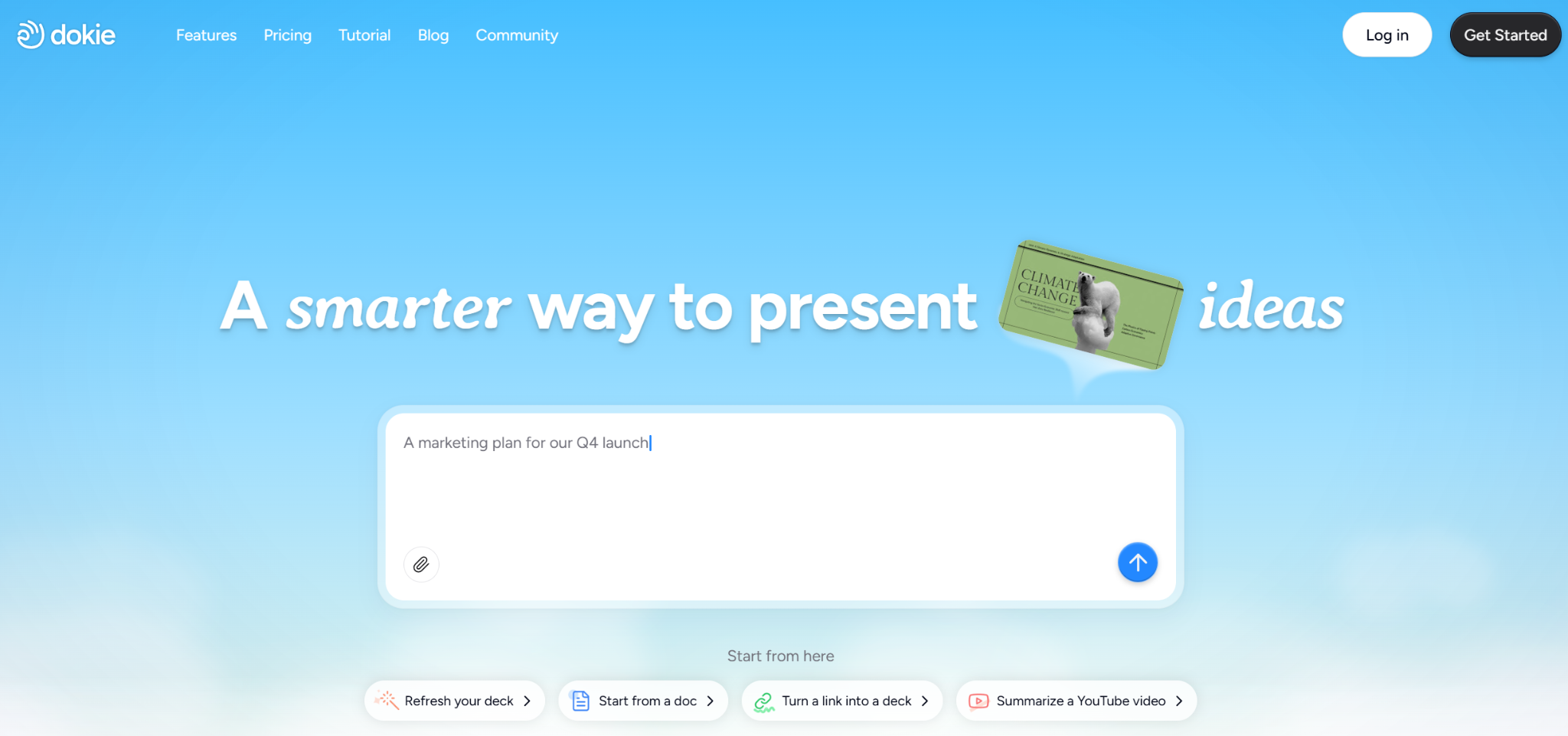

Dokie AI is a top AI PPT maker for people who need business-ready slides. Many AI slides generators can make a nice-looking deck, but the flow often needs a lot of rearranging. Dokie AI focuses on clear structure, practical slide order, and PPT-friendly output, so your deck feels more like a real presentation from the start.
It is great for weekly reports, marketing updates, client decks, and internal reviews. If you want an AI presentation maker that saves time on the outline and reduces cleanup work, Dokie AI is a strong first pick in 2026.
Pros
- Clear structure and practical slide flow
- PPT-friendly output that is easy to edit
- Great for work decks and reports
- Useful power point topic ideas
Cons
- You still need to check facts and numbers
- Strict brand templates may need final tweaks
2) Gamma APP
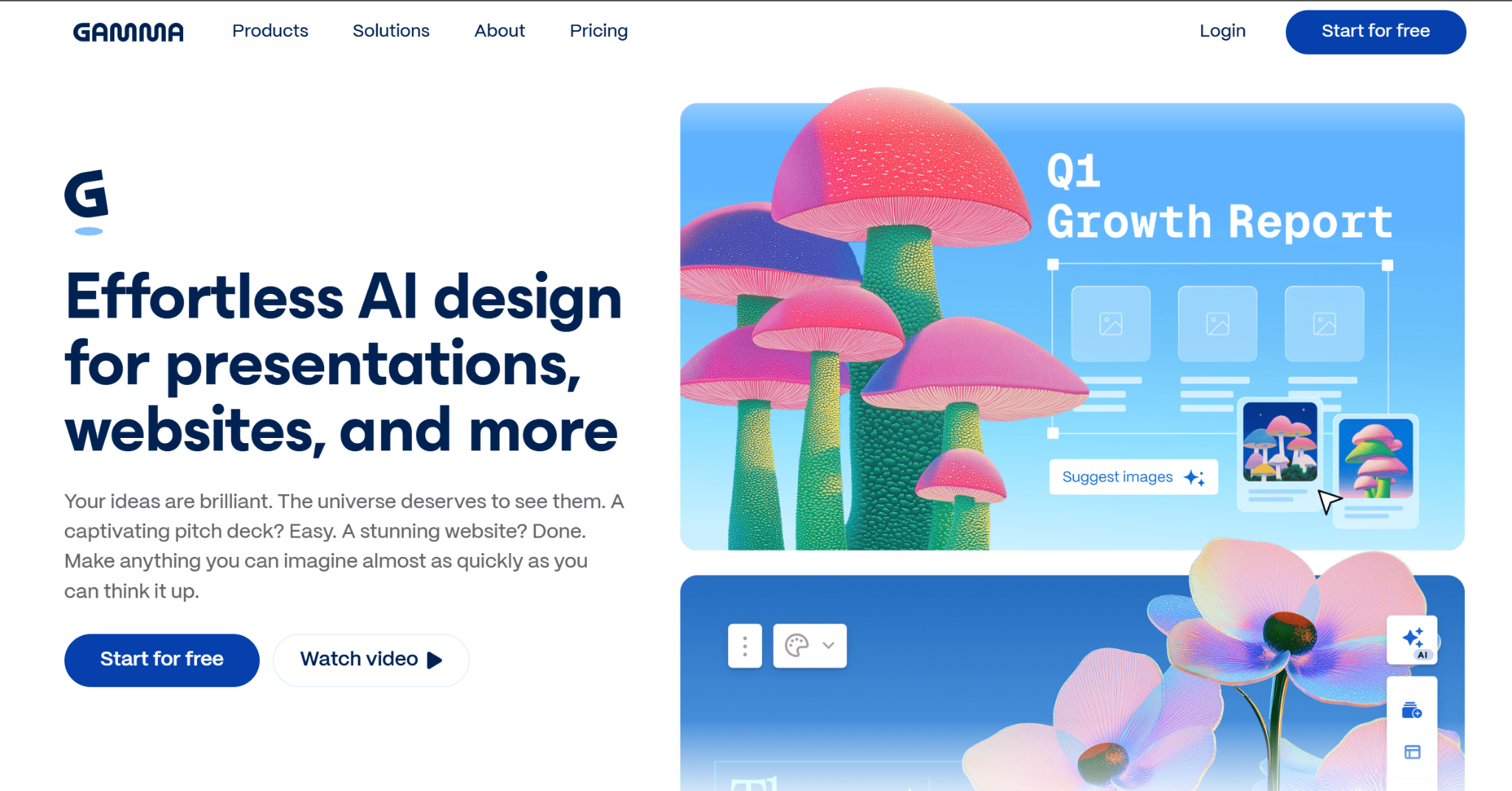

Gamma is a popular AI presentation maker with a modern, web-first style. It is great for story-based decks, quick drafts, and sharing presentations as a link. Many users like Gamma because it feels easy and fast, and the layouts often look clean without heavy design work.
Gamma is a strong choice for product storytelling, internal updates, and simple client drafts. If you want a deck that looks modern and is easy to share, Gamma is one of the best AI slides generators to try.
Pros
- Fast drafting with modern layouts
- Easy sharing and presenting online
- Great for story-style presentations
Cons
- Not always ideal for classic PPT templates
- Some decks need extra structure cleanup
3) Beautiful.ai
Beautiful.ai is known for design consistency. It uses smart layout rules to keep spacing, alignment, and visual balance clean as you add content. This helps teams create professional-looking slides without spending time fixing formatting.
Beautiful.ai is a strong tool for pitch decks, leadership updates, and client presentations where visual polish matters. If your biggest slide problem is design cleanup, this AI PPT maker can save a lot of time.
Pros
- Strong auto layout and design consistency
- Professional-looking slides with less effort
- Great for teams that hate formatting
Cons
- Less flexible for custom layouts
- Content may still need rewriting for your story
4) Alai
Alai is a strong option for people who want control during editing. Many AI slides generators create a deck fast, but revisions can be painful. Alai focuses on making slide-by-slide refinement easier, which is useful for real business workflows where decks go through many rounds of feedback.
If you often start with a draft and then polish it into a final deck, Alai can be a good fit. It works well for consulting decks, internal strategy updates, and client proposals.
Pros
- Better for revision-heavy workflows
- Good slide-by-slide editing control
- Useful for decks with many feedback rounds
Cons
- Best results need clear input structure
- Final brand polish may still be needed
5) SlidesGPT
SlidesGPT is a simple AI slides generator that focuses on speed. If you want a quick first draft deck from a prompt, SlidesGPT is a good option. It works best when you already know your structure and just want slides generated fast so you can edit in PowerPoint or Google Slides.
For professional decks, you will still want to tighten the message and improve visuals, but for fast drafting, SlidesGPT does the job.
Pros
- Very fast prompt-to-slides generation
- Simple workflow for quick drafts
- Easy export and polish in PowerPoint
Cons
- Can be generic without a detailed prompt
- Design may need extra polishing for client decks
Conclusion
The best AI presentation maker depends on your workflow. If you want the most business-ready decks with less cleanup, Dokie AI is a great starting point in 2026.
FAQs
1) What is an AI presentation maker?
An AI presentation maker uses AI to create slide decks from prompts, notes, or files. Many also help with design and export.
2) What is an AI slides generator?
An AI slides generator is a tool that quickly generates slide content and layouts from a topic or outline.
3) What is an AI PPT maker?
An AI PPT maker is an AI tool that creates PowerPoint-style presentations, often with .pptx export.
4) Are AI slides good enough for business presentations?
Yes for drafts and many internal decks. For client decks, you usually still polish wording and design.
5) Which AI PPT maker is best for business-ready structure?
Dokie AI is strong for clear structure and PPT-friendly slide flow.
6) Which tool is best for modern web-style decks?
Gamma is popular for modern layouts and easy sharing.
7) Which tool is best for clean design without formatting work?
Beautiful.ai is strong because it uses smart layout rules to keep slides clean.
8) Which tool is best for revisions?
Alai is good if you revise decks often and want better editing control.
9) Which tool is best for a fast first draft?
SlidesGPT is a simple choice for quick prompt-to-deck drafting.
10) How do I get better results from an AI slides generator?
Use a clear prompt with audience, goal, slide count, and required sections. Then trim filler slides and add real proof like numbers and examples.